
Download TubeTools – YouTube, video, tools, manage, enhance, upload, download, quality, snapshot, interface, user-friendly, content, viewer, creator
Overview
TubeTools is a productivity-focused mobile application designed to streamline and enrich the YouTube experience for both casual viewers and content creators. Developed by TubeTools Inc., the app aims to simplify core YouTube interactions by offering tools for video management, quality enhancement, and upload tracking. Its primary purpose is to reduce friction in accessing, organizing, and interacting with YouTube content, making it easier for users to discover trending videos, preserve memorable moments, and manage their own uploads efficiently.
Target users include individuals who frequently engage with YouTube, whether for entertainment, research, or content creation. The app caters to those seeking a more intuitive and feature-rich alternative to the native YouTube interface, particularly those who value quick access to trending content and the ability to capture or enhance video moments. Real-world use cases include tracking upload progress for active creators, downloading videos for offline viewing, and capturing high-quality snapshots from favorite clips.
Although the developer did not provide additional technical details, the app’s release date of June 28, 2007, suggests a long-standing presence in the mobile ecosystem. This longevity may indicate a stable foundation, though the app’s current relevance depends on its ability to adapt to modern YouTube standards and platform changes. As a free tool, TubeTools fills a niche for users seeking lightweight, functional utilities that complement the core YouTube experience without requiring complex setup or subscription fees.
Key Features & Functionality
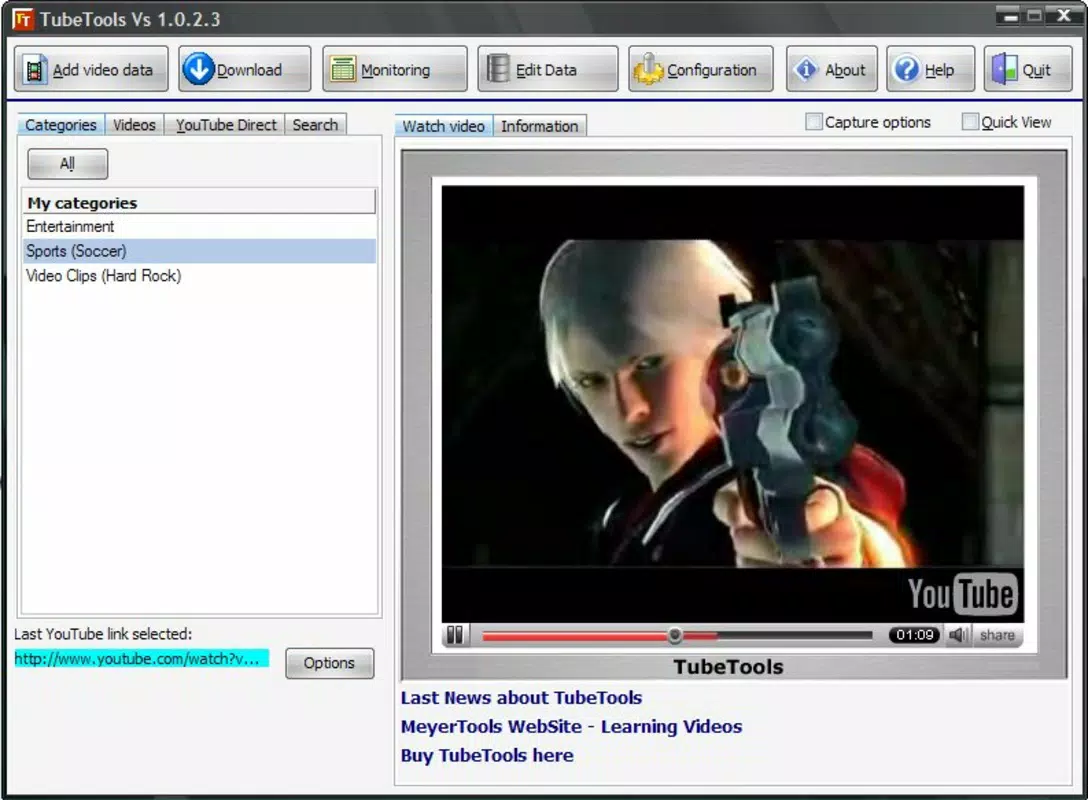
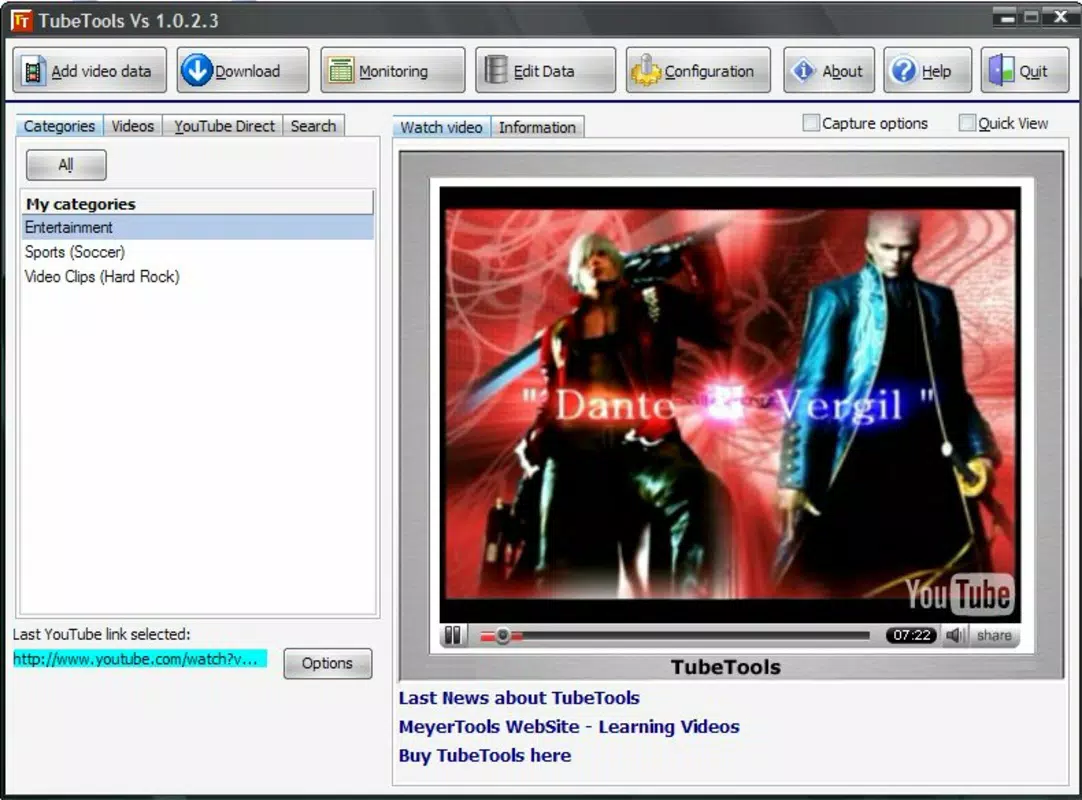
- User-Friendly Interface: Designed with simplicity in mind, the app features a clean layout that allows users to navigate essential functions without confusion. The intuitive design ensures minimal learning curve, making it accessible even to less tech-savvy users.
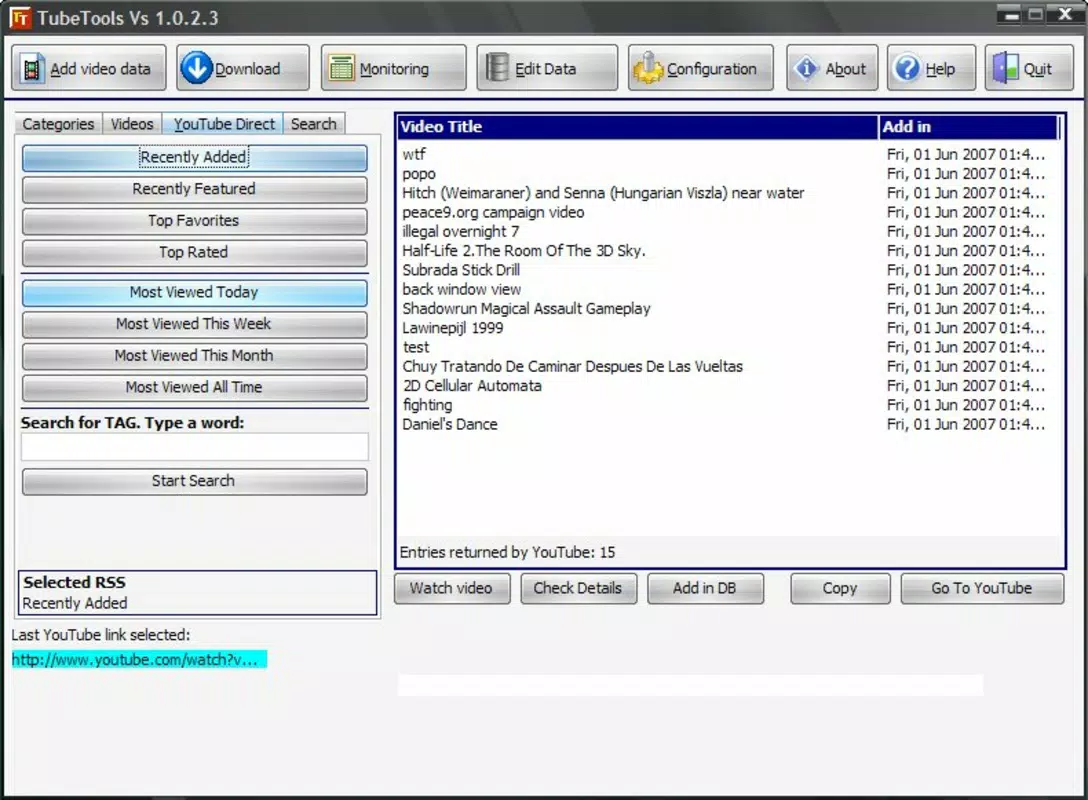
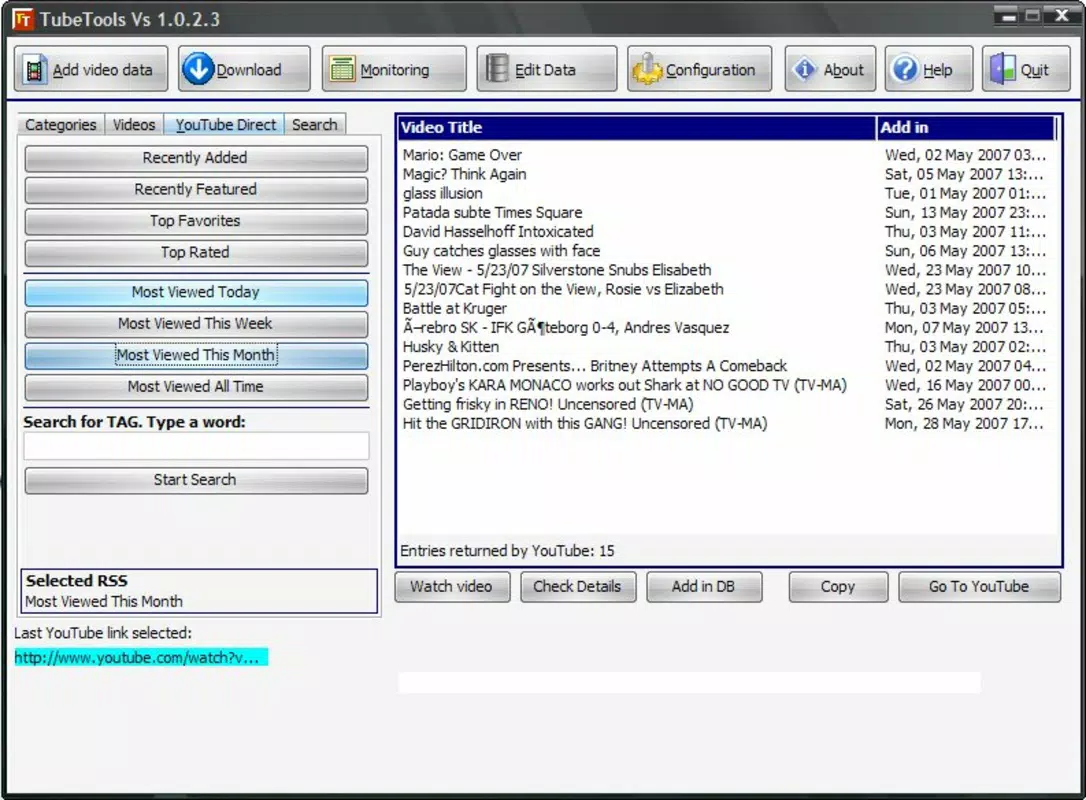
- Video Access and Management: Users can browse trending content through categorized sections such as daily, weekly, and historical top videos. This feature enables efficient discovery of popular content and helps users stay updated on current YouTube trends.
- Snapshot and Quality Enhancement: TubeTools allows users to capture still images from videos, preserving key moments. Additionally, the app includes tools to improve video clarity and playback quality, enhancing the overall viewing experience.
- Upload Management Features: For content creators, the app includes an upload counter that tracks the number of videos posted. This feature supports workflow management and helps creators monitor their content output over time.
- Flexible Viewing Options: Users can choose to watch videos directly within the app or download them for offline access. This flexibility accommodates varying connectivity conditions and user preferences, ensuring uninterrupted viewing.
These features collectively support a more personalized and efficient YouTube experience. For example, a student researching topics can download educational videos for offline study, while a content creator can track upload milestones and capture high-quality thumbnails. The app’s focus on practical utility aligns with its productivity category, offering real value without unnecessary complexity.
Interface, UX & Performance
The user interface of TubeTools reflects a minimalist design philosophy, emphasizing clarity and accessibility. Navigation is structured around core functions, allowing users to quickly move between browsing, managing, and enhancing content. The visual style prioritizes usability over ornamentation, with clear icons and readable text that reduce cognitive load during use.
Navigation flow appears straightforward, with primary actions such as video search, snapshot capture, and download options placed within easy reach. The app’s responsiveness is consistent with its lightweight size of 2.4 MB, suggesting optimized performance even on older or low-end devices. Although the developer did not list formal performance metrics, the app’s stability is implied by its long-standing presence since 2007.
Performance across different device categories is not explicitly documented. However, the small file size and focus on core functionality suggest that TubeTools is designed to operate efficiently on a wide range of Android devices. Users can expect smooth operation during basic tasks such as browsing, downloading, and viewing videos. The app does not appear to demand high system resources, which enhances its accessibility for users with limited storage or processing power.
Platform Compatibility & Technical Requirements
TubeTools is available exclusively on the Android platform. The app runs on Android devices with a software version of 1.1, indicating compatibility with early Android systems. This low version requirement suggests broad accessibility, particularly for users with older or budget-friendly devices that may not support newer apps.
The app’s file size is 2.4 MB, which is relatively small and contributes to quick installation and minimal storage usage. This compact size makes it ideal for users with limited device capacity. However, the developer did not specify minimum OS requirements beyond version 1.1, nor did they list any hardware dependencies or permissions needed for operation.
Compatibility information was not fully disclosed. Users should exercise caution when installing on modern devices, as the app’s age may lead to potential issues with updated Android security protocols or YouTube API changes. Despite this, the app remains a viable option for those seeking a lightweight, no-frills tool for YouTube interaction.
Pros and Cons
- Free to download and use
- Lightweight file size (2.4 MB)
- Simple, intuitive interface
- Supports offline video downloads
- Includes upload tracking for creators
- Offers video quality enhancement tools
- Released in 2007; may lack modern features
- No official support for newer Android versions
- Compatibility with current devices not confirmed
- Missing detailed permissions or security disclosures
- No official update history provided
FAQ
Is TubeTools safe to install on my Android device?
The app is free and available through official channels, but due to its age and lack of recent updates, users should ensure they download it from trusted sources to avoid potential security risks.
Can I use TubeTools on iOS devices?
No, TubeTools is currently only available for Android. There is no official iOS version or release planned.
Does TubeTools require internet access?
Yes, internet access is required for video browsing, downloading, and uploading. Offline viewing is possible after downloads, but initial content access requires connectivity.
How often is TubeTools updated?
The developer has not provided information about update frequency. The last known version is 1.1, released in 2007.
Can I download videos for offline use?
Yes, TubeTools allows users to download videos for offline access, supporting flexible viewing regardless of internet availability.
Final Thoughts
TubeTools remains a notable example of a lightweight, productivity-driven app that enhances the YouTube experience through practical tools. While its age is evident, its core functionality—video management, snapshot capture, upload tracking, and offline access—continues to serve a specific audience. For users seeking a no-cost, simple solution to interact with YouTube content, especially those with older devices, TubeTools offers a viable alternative.
Its user-friendly interface and minimal system requirements make it accessible to a broad demographic. However, users should be mindful of potential compatibility issues on modern Android systems and verify the app’s source before installation. For content creators and frequent viewers who value simplicity and efficiency, TubeTools delivers tangible benefits.
Download TubeTools now


